Dispatch Software for Small Fleets: A Practical 2026 Setup Guide
7 min readTransvoraa Team
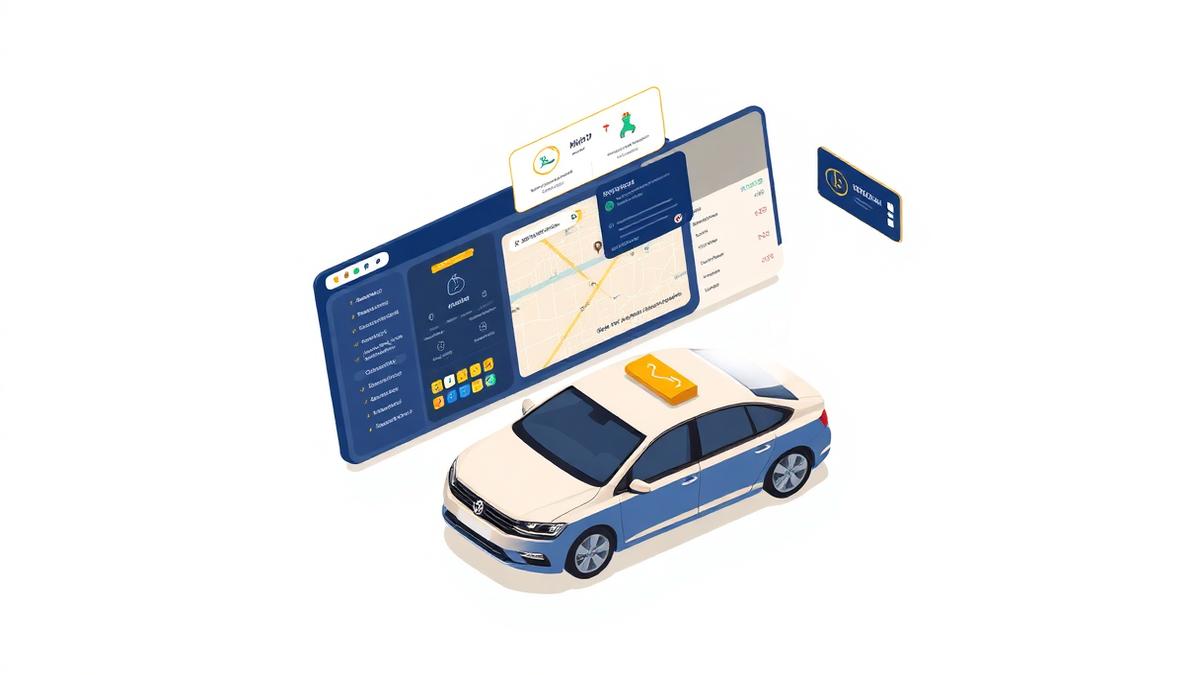
Buying dispatch software is the easy part. Getting it running without dropping trips is where small fleets struggle. This guide covers the setup order that works for operators with one to twenty-five vehicles.
What dispatch software does for a small fleet
- Keeps every booking in one place instead of across WhatsApp, phone notes, and a spreadsheet
- Assigns drivers and vehicles from a single board with conflict warnings
- Sends automatic confirmations and driver details to the passenger
- Stores customer, rate, and trip history for repeat and corporate work
- Produces the daily job sheet without anyone retyping it
Set up in this order
- 1. Vehicles and vehicle classes (sedan, SUV, van, executive)
- 2. Drivers, licences, and working hours
- 3. Rates: airport fixed prices first, then hourly and per-mile
- 4. Booking form on your own website, with the same rates behind it
- 5. Notification templates: confirmation, driver assigned, on the way
- 6. Import your top 50 repeat customers before go-live
Mistakes that cost small operators money
- Running the old spreadsheet in parallel for months - staff never switch
- Skipping fixed airport rates, so every quote is a manual decision
- Leaving confirmations manual, which creates no-shows and phone calls
- Buying per-booking commission pricing instead of a fleet-size plan
A realistic one-week rollout
- Day 1-2: vehicles, drivers, rates
- Day 3: booking page live on your website
- Day 4: drivers installed and trained on the mobile app
- Day 5: run one shift entirely in the software
- Day 6-7: switch fully, keep the spreadsheet read-only as an archive
See Transvoraa in action
Booking, dispatch, and fleet management built for small transportation operators.